
Blog
/
Online Store marketing growth
/
Why Does Online Store Inventory Go Wrong? A Practical Guide to Online-Offline Sync (2026 HK) | EasyCart
Online Store marketing growth
Why Does Online Store Inventory Go Wrong? A Practical Guide to Online-Offline Sync (2026 HK) | EasyCart
Feb 2, 2026
Introduction
Inventory problems rarely surface during quiet periods — they tend to hit during peak season, new product launches, or the moment a physical store runs a flash sale. Overselling, missed orders, and manual reconciliation errors each carry a direct cost to customer experience and refund handling. For merchants running both a physical store and an online shop, keeping inventory in sync across channels is the single most error-prone part of daily operations. This guide covers the most common inventory challenges for both pure online and O2O merchants, compares three practical sync approaches, and helps you choose the right method for your current scale. Put simply: inventory problems are rarely caused by a lack of tools — they stem from a lack of consistent sync.
1. Why Is Online Store Inventory Management So Prone to Problems? Common Causes Explained
Online store inventory management is the operational process of keeping stock data consistent and up to date across all sales channels, such as an online store and physical locations. It is the key mechanism for preventing overselling and inventory errors.
Many merchants start out managing inventory from memory, a spreadsheet, or a WhatsApp group. When order volumes are low, this works well enough. But as orders grow, SKU counts increase, or sales expand across multiple channels, problems start to emerge.
The most common issue is delayed updates. A product sells in-store, but the online store's inventory count doesn't reflect it. A customer places an order online — and there's nothing to ship. This scenario is especially common during peak periods like Singles' Day or Lunar New Year, when orders are densest and staff are most stretched.
Another frequently overlooked issue is fragmented stock across multiple channels. When the same product is listed across an online store, a physical shop, and an Instagram Shop — each deducting from inventory independently — it only takes one busy afternoon for an oversell to happen. Every order that requires a refund or workaround costs time and damages customer trust.
The core issue with online store inventory management isn't whether you have a system — it's whether your inventory numbers stay consistent across all sales channels in real time.
2. How to Manage Inventory for a Pure Online Store? 4 Core Principles
For merchants selling exclusively online, inventory challenges tend to be more contained. The main areas to get right are:
Set up SKUs clearly
Every product variant — colour, size, spec — should have its own unique SKU code for easy tracking and restocking. Inconsistent SKU naming is one of the most common sources of reconciliation errors down the line. Establish a clear naming convention from the moment you list a product.
Set safety stock levels
A safety stock threshold triggers a restock alert — or pauses new orders — when inventory drops to a certain level. Setting this correctly gives you enough lead time to replenish stock before running out. The right level depends on your reorder lead time and average daily sales volume.
Use bulk update tools
For merchants with a large number of SKUs, updating stock one product at a time is a significant time drain. Platforms that support CSV bulk import or batch editing can meaningfully reduce the operational overhead of routine inventory updates.
Keep inventory data readable
Being able to quickly see which products are running low and which are sitting unsold is essential for restocking decisions and promotional planning. If your platform's inventory reports are difficult to filter or export, you're effectively flying blind on those decisions.
3. Why Is Online-Offline Inventory Sync So Difficult for O2O Merchants?
For merchants running both a physical store and an online shop, inventory complexity increases significantly. A pure online merchant manages one stock source. An O2O merchant faces a different reality: the same inventory being sold simultaneously in-store, through the online shop, and sometimes through social media — all at once.
The three most common challenges O2O merchants report are:
In-store sale, online store not updated
The POS system records the in-store sale, but the POS and online store are two separate systems — updating stock requires a manual step. During busy periods, that step gets skipped, and online customers can end up ordering items that are already sold out.
Peak season order surge, reconciliation can't keep up
During Lunar New Year, Valentine's Day, or Singles' Day, order volumes can be several times the daily average. Manual reconciliation that works fine on quiet days starts generating errors at scale — oversells and missed orders become much more likely.
Multiple locations, stock impossible to consolidate
Merchants with multiple stores face an additional layer: each branch holds its own stock independently, and deciding which location to fulfil an online order from — or whether total stock is even sufficient — requires extra communication and confirmation that adds unnecessary operational cost.
4. What Are the Three Approaches to Online-Offline Inventory Sync — and How Should You Choose?
Online-offline inventory sync falls into three main approaches: manual updates, third-party tool integration, and native POS sync — each suited to different business sizes and levels of operational complexity.
For merchants who need to keep online and offline stock aligned, the approach you choose will directly affect your error rate and the amount of staff time spent on reconciliation.
Here's how each approach works, and when each one makes sense:
Quick comparison: three approaches:
Approach
Works well when
Main risk
Manual updates
Low SKU count, low order volume
Prone to delays; high error rate during peak season
Third-party tool integration
Multi-channel selling, high SKU count
Additional monthly cost; requires technical setup
Native POS sync
O2O merchants, limited staff
Requires native platform support
5. Factors to Consider When Choosing an Inventory Sync Approach
No single approach works for every merchant. The following factors help identify which method fits your current stage:
SKU count and variant complexity
Merchants with a small, simple product range can often manage with manual updates initially. But as SKU count grows or variants multiply, the error rate and time cost of manual sync rise in step — that's when automated sync starts to deliver clear value.
Daily order volume and peak-season spikes
Merchants with low daily volumes can generally absorb the risk of manual sync. But if peak-season orders run at three times or more the normal daily rate, it's worth setting up automated sync before the season hits — not after an oversell forces the issue.
Number of locations
A single-location O2O merchant can typically get by with a native POS sync solution. Merchants with multiple branches need to confirm whether the chosen approach can manage cross-location inventory as a unified pool.
Technical resources and maintenance capacity
Third-party integrations require initial setup and ongoing maintenance. SMEs without a technical team should prioritise solutions that are simple to configure and natively integrated — reducing the long-term upkeep burden.
Overall cost structure
Third-party inventory tools typically charge a monthly fee — worth calculating whether the cost is justified at your current order volume. If your ecommerce platform already includes native POS sync, that's one less recurring expense to factor in.
6. Native POS Sync in Practice: A Platform Example
For O2O merchants looking to implement Method 3, the key is choosing an e-commerce platform and POS system from the same provider — or one that natively supports two-way inventory sync without additional configuration.
Support for POS integration varies significantly across platforms. Some require third-party apps as a bridge, with sync reliability dependent on the app. Others provide a native POS system that updates online inventory in real time, the moment an in-store sale is completed — no middleware, no manual step.
Platform Example
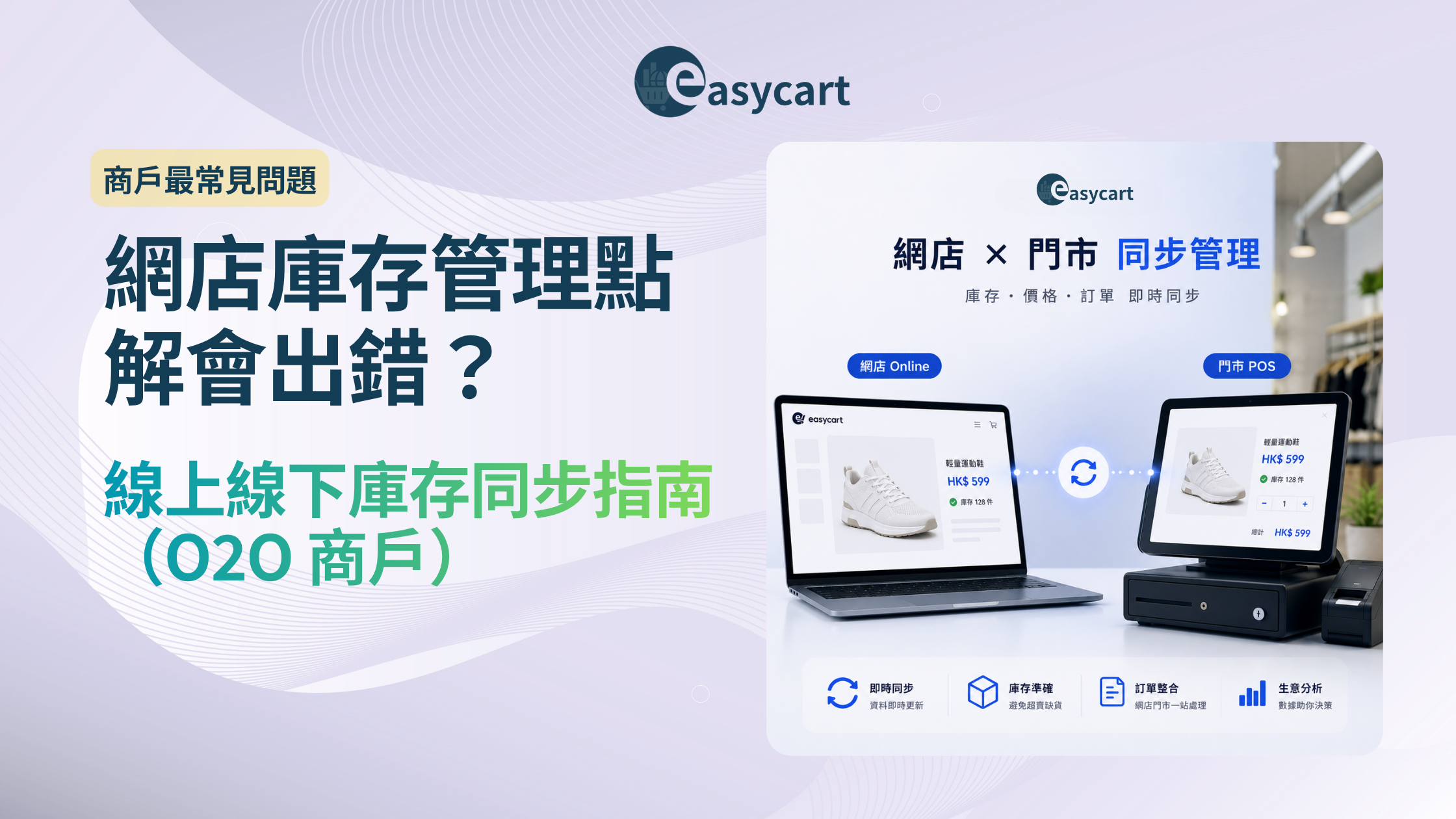
EasyCart provides a native POS system with real-time two-way inventory sync. When a sale is completed in-store via POS, the store's inventory management system automatically updates the online store's stock count — no manual update or third-party integration required.
This setup is designed for O2O merchants who want to reduce manual reconciliation workload. Whether it fits your specific operational flow is best confirmed through hands-on testing during the trial period.
Conclusion
Inventory management failures are rarely a single, sudden event — they're usually the accumulated result of process gaps that only become visible during peak season or a period of rapid growth.
For pure online merchants, establishing a clear SKU structure and setting appropriate safety stock levels are the most basic and effective preventive measures. For O2O merchants, the choice of online-offline sync approach directly determines whether operations hold up when it matters most.
The goal of inventory management isn't zero errors — it's catching problems before they reach the customer.
Further Reading
Trusted by 500+ Hong Kong brands
Your store,
starting today.
EasyCart offers a free trial — no credit card required, cancel anytime.
Online-offline inventory sync and other core features are included in the monthly plan.
Free trial · No credit card · Cancel anytime
Frequently Asked Questions
How many SKUs before inventory sync becomes necessary?
As SKU count grows — or when products have multiple colour and size variants — the risk of error in manual inventory management rises accordingly. The higher the order volume and the more complex the variants, the more pronounced that risk becomes. If you're selling across both a physical store and an online shop, it's worth building in an automated sync mechanism early, even if your current SKU count feels manageable — before peak season makes the gap obvious.
Does a pure online store need inventory sync?
A pure online merchant has only one stock source, so the complexity is lower. That said, if you're selling the same inventory across multiple platforms simultaneously — say, your own store and Instagram Shop — overselling risk still exists. The recommended approach is to manage inventory centrally in one primary system, with orders from other channels feeding into the same stock count.
Is POS-to-online inventory sync worth doing?
For O2O merchants, the answer usually comes down to the real cost of manual reconciliation. If your team is spending an hour or more each week cross-checking online and offline stock — plus occasional time handling oversell refunds — the value of automated sync becomes fairly straightforward. If in-store sales volume is very low and online orders are infrequent, manual updates may still be sufficient.
Can online-offline inventory sync still go wrong?
Automated sync significantly reduces the manual workload and error rate compared to human reconciliation. That said, a periodic inventory check — especially before and after major promotional events — remains a sound operational practice for any business, regardless of what inventory method is in use.
What are the most common inventory problems for O2O merchants?
Based on merchant feedback, the three most common issues are:
(1) in-store sales not reflected in online stock counts, leading to oversells;
(2) reconciliation backlog during peak periods when staff are fully occupied with order fulfilment;
(3) stock spread across multiple locations, making it difficult to get an accurate real-time view of total available inventory. All three trace back to the same root cause: online and offline inventory data not staying in sync automatically.
(1) in-store sales not reflected in online stock counts, leading to oversells;
(2) reconciliation backlog during peak periods when staff are fully occupied with order fulfilment;
(3) stock spread across multiple locations, making it difficult to get an accurate real-time view of total available inventory. All three trace back to the same root cause: online and offline inventory data not staying in sync automatically.